HTML + CSS
Web design and app-building for ages 9-16+
Kids Web Dev makes code feel buildable.
Beginners and growing teen coders learn HTML, CSS, JavaScript, and Svelte by building real projects, saving their work, getting feedback, earning milestones, and sharing approved showcase pieces.
Rural coding access
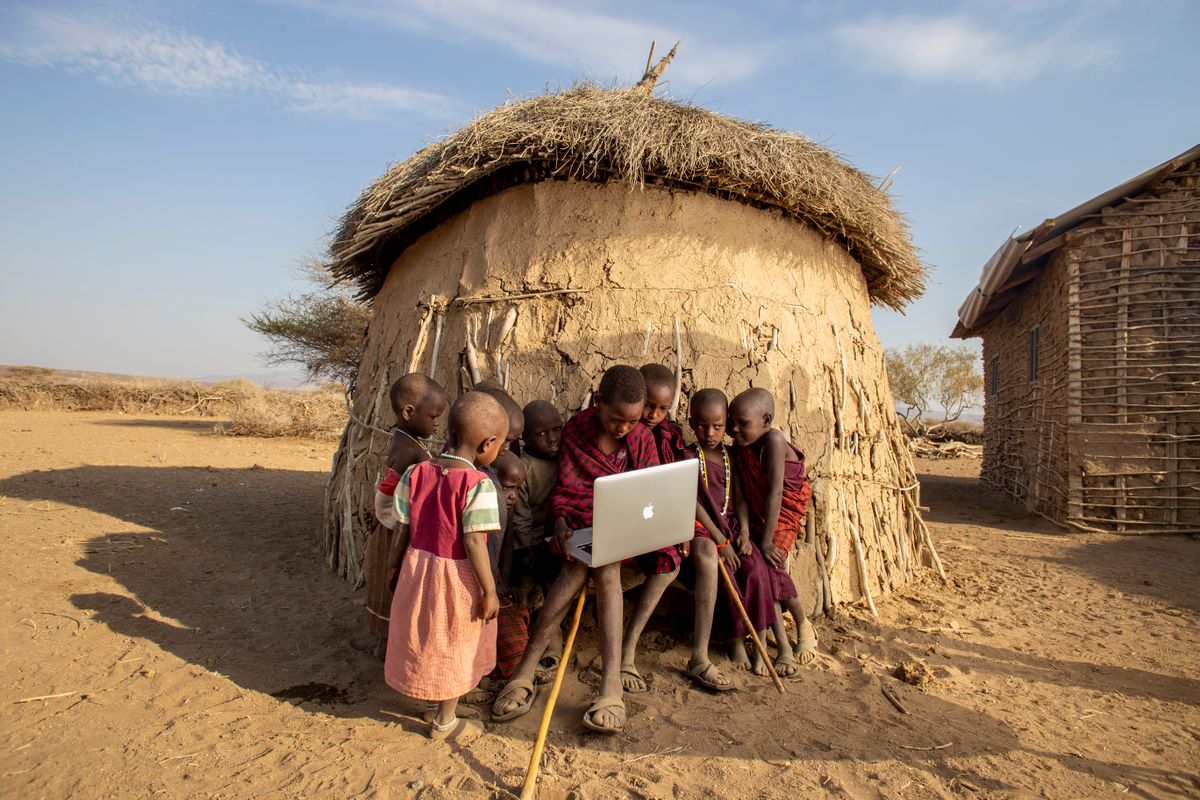
Real coding skills for rural South African learners.
Kids Web Dev is built for schools and community partners who want learners to do more than consume technology. The programme gives low-confidence beginners a guided path into HTML, CSS, JavaScript, saved projects, submissions, teacher feedback, and visible proof that they are building real digital skills.
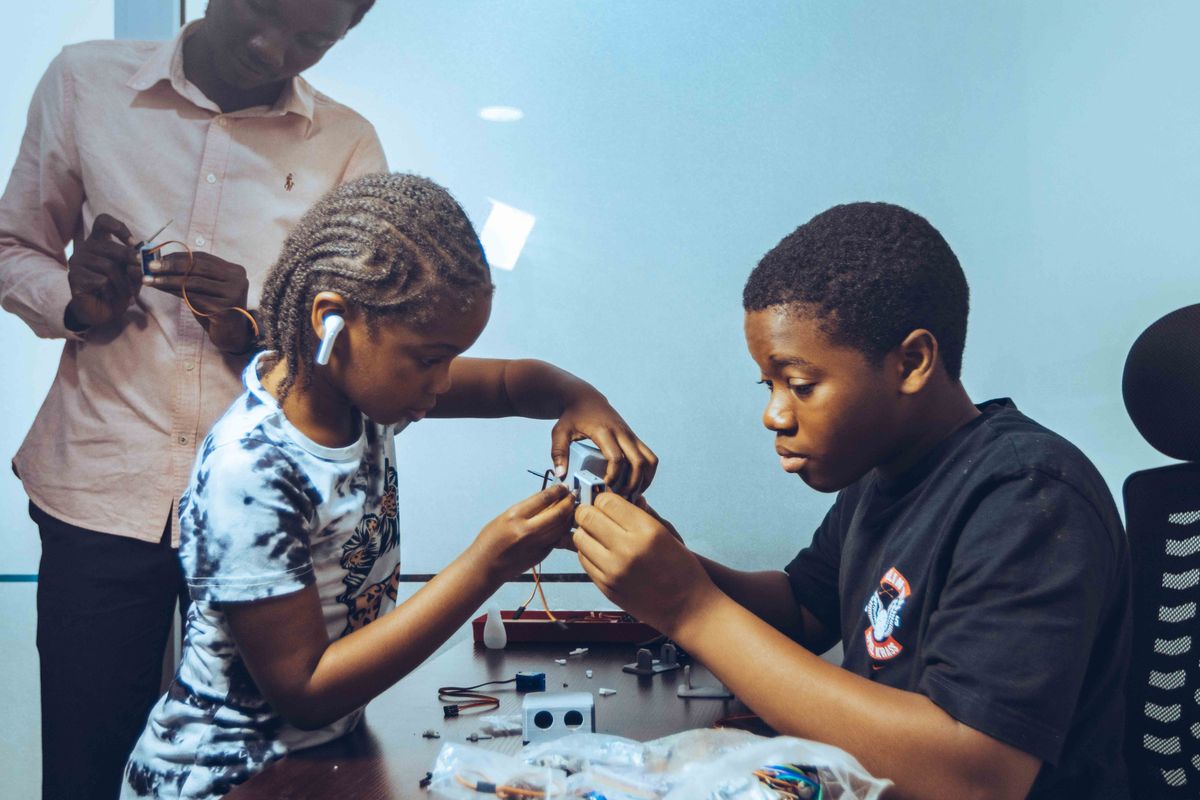
No empty tutorials
Every lesson ends with something real on screen.
Structure, links, images, color, and a page that feels personal.
JavaScript
Clicker game
Design
Club website
Svelte
Mini app
How class feels
It feels like a real learning platform, not a pile of worksheets.
The structure is steady: short guided practice, hands-on building, remix time, saved projects, checks for beginner tasks, teacher feedback, badges, and approved showcase work. The early lessons support younger beginners, while later modules give teens real front-end, Svelte, and launch skills to grow into.
- 1
Spark
Start with a practice example, a weird bug, or a design challenge.
- 2
Build
Code in short steps with enough room to ask real questions.
- 3
Remix
Change the rules, colors, words, and layout until it feels like theirs.
- 4
Share
Submit the project, get feedback, and collect the next idea to try.
Visible progress
Parents can see more than a finished screen.
Saved work
Learners keep projects attached to lessons and can continue from home.
Simple checks
Beginner HTML/CSS tasks can be checked for structure and styling basics.
Feedback loop
Teachers review submissions before work reaches the showcase.
Milestones
Badges mark first lessons, saved projects, reviews, and showcase approval.
For students, parents, and teachers
A coding course with enough support to teach confidently.
- Real code, not drag-and-drop blocks
- Saved projects learners can reopen
- Visible progress, badges, and milestones
- Teacher feedback before showcase
Free tester exercise